
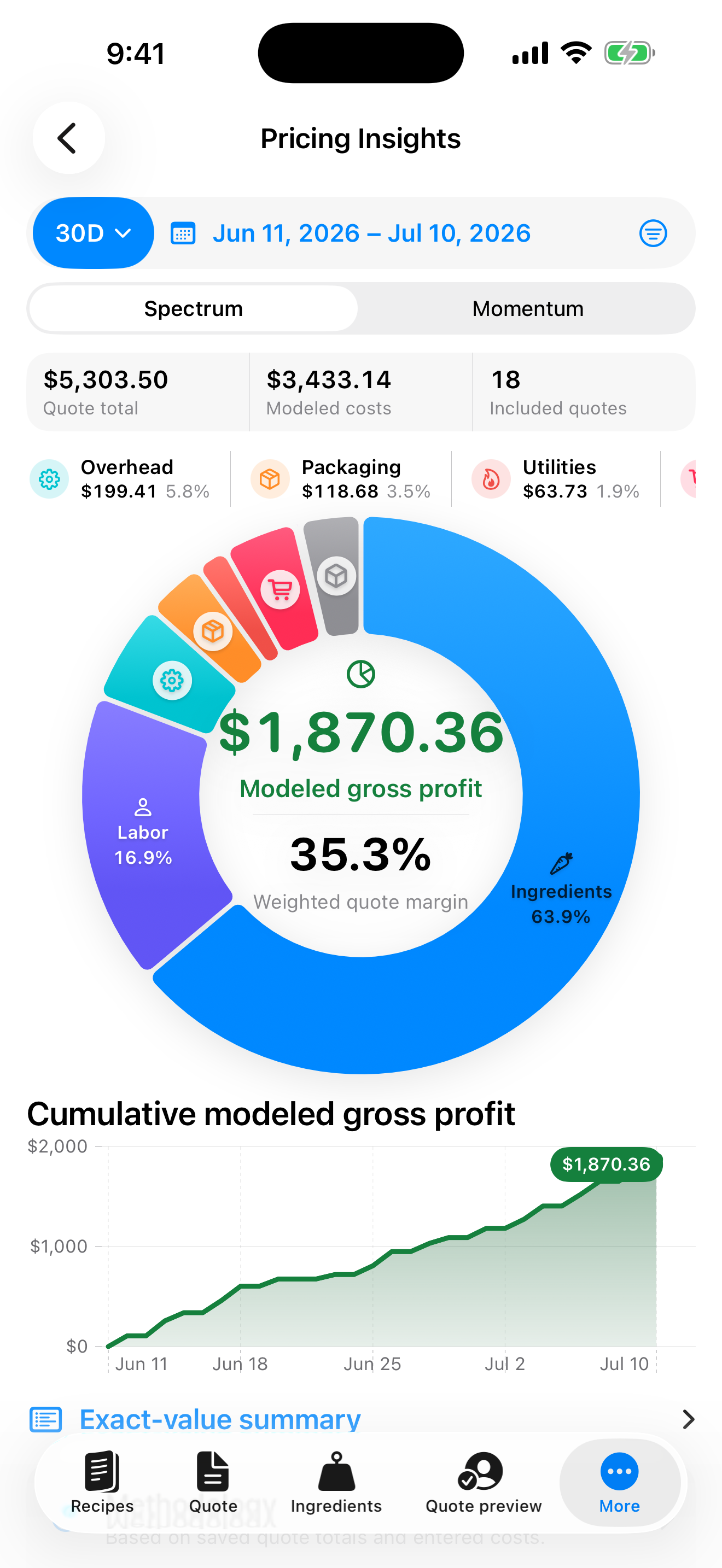
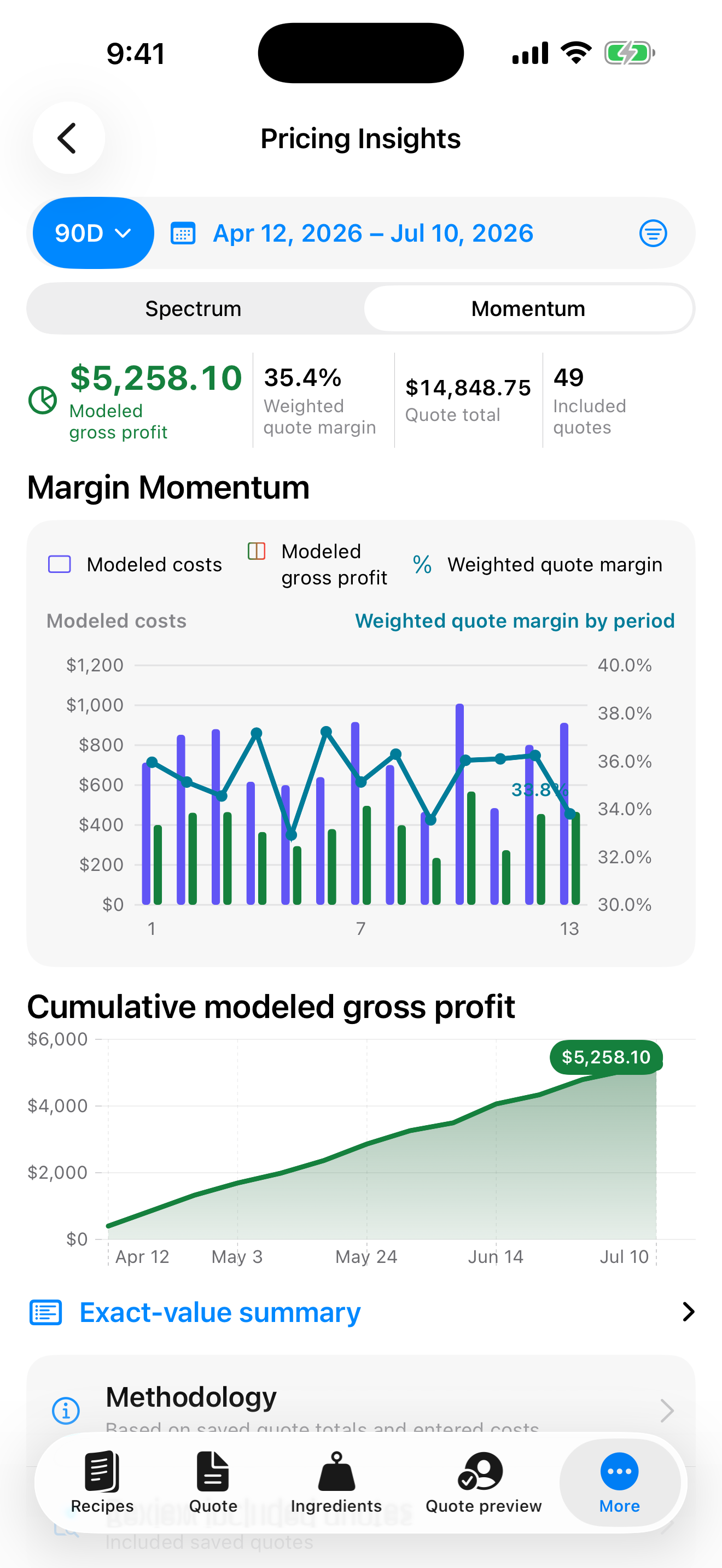
Profit Spectrum
See how ingredients, labor, and other modeled costs contribute to your quote totals, alongside modeled gross profit and weighted quote margin.
Bakery recipe quote review app
Price orders from saved recipes. Explore modeled costs and gross profit with Profit Spectrum, then compare weighted quote margin over time with Margin Momentum.
Pricing Insights
Explore saved quote totals and entered costs for the period you choose.
See how ingredients, labor, and other modeled costs contribute to your quote totals, alongside modeled gross profit and weighted quote margin.
Compare modeled costs, modeled gross profit, and weighted quote margin by period to review how your saved quotes change over time.
Calculations use saved quote totals and entered costs. They describe your pricing model, not recorded payments or accounting profit.
Quote workflow
 View larger
1
View larger
1
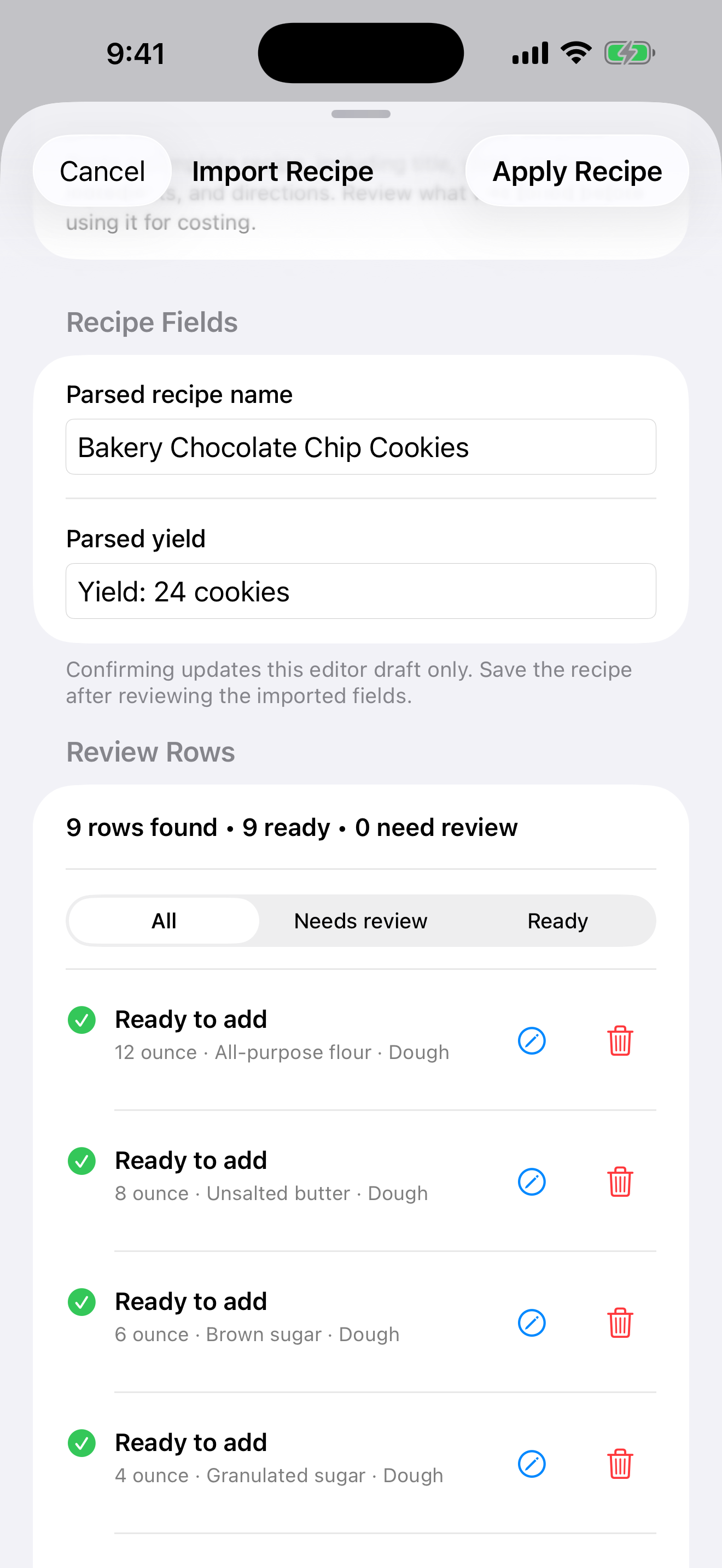
Turn pasted recipe text into reviewed ingredient rows you can adjust before saving.
 View larger
2
View larger
2
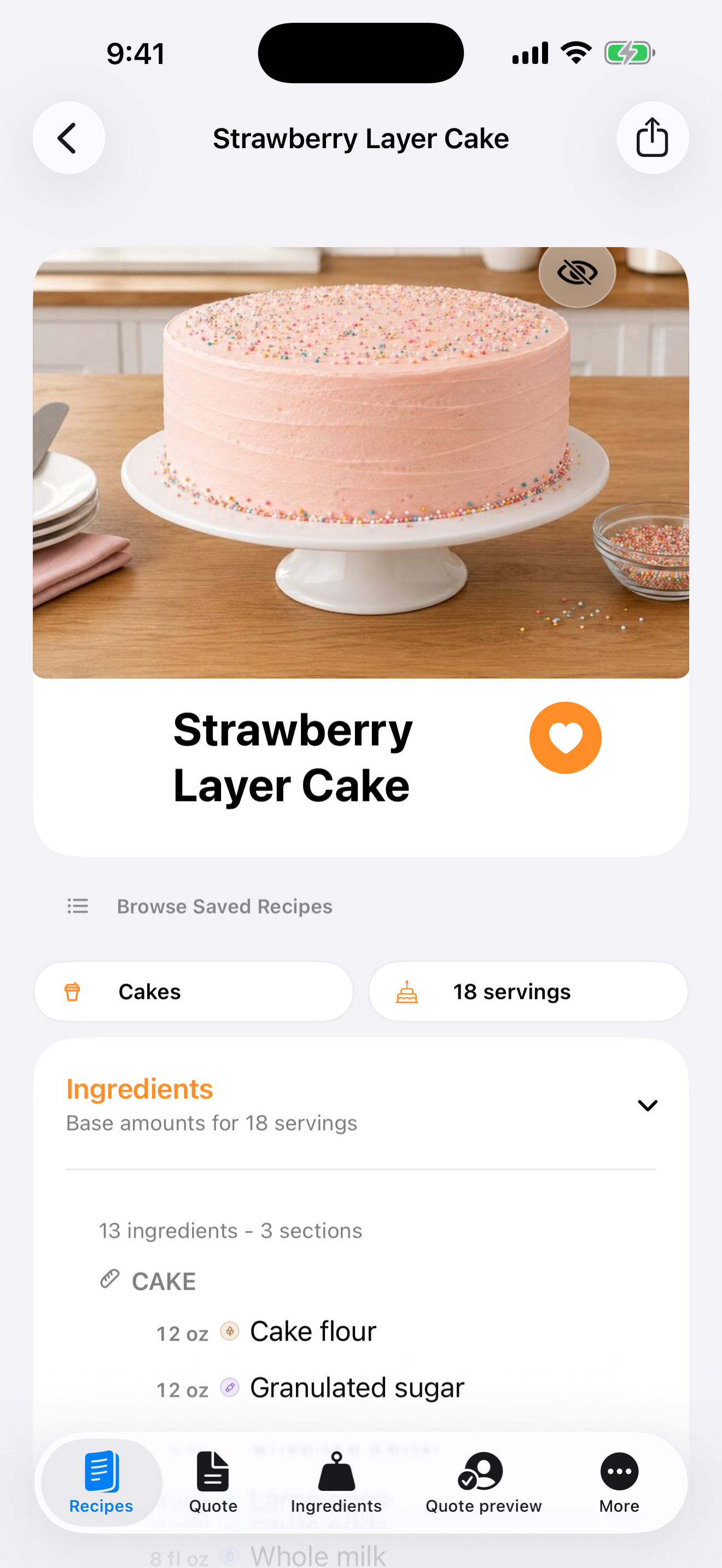
Keep recipe photos, servings, and ingredients together so repeat work starts from the recipe you saved.
 View larger
3
View larger
3
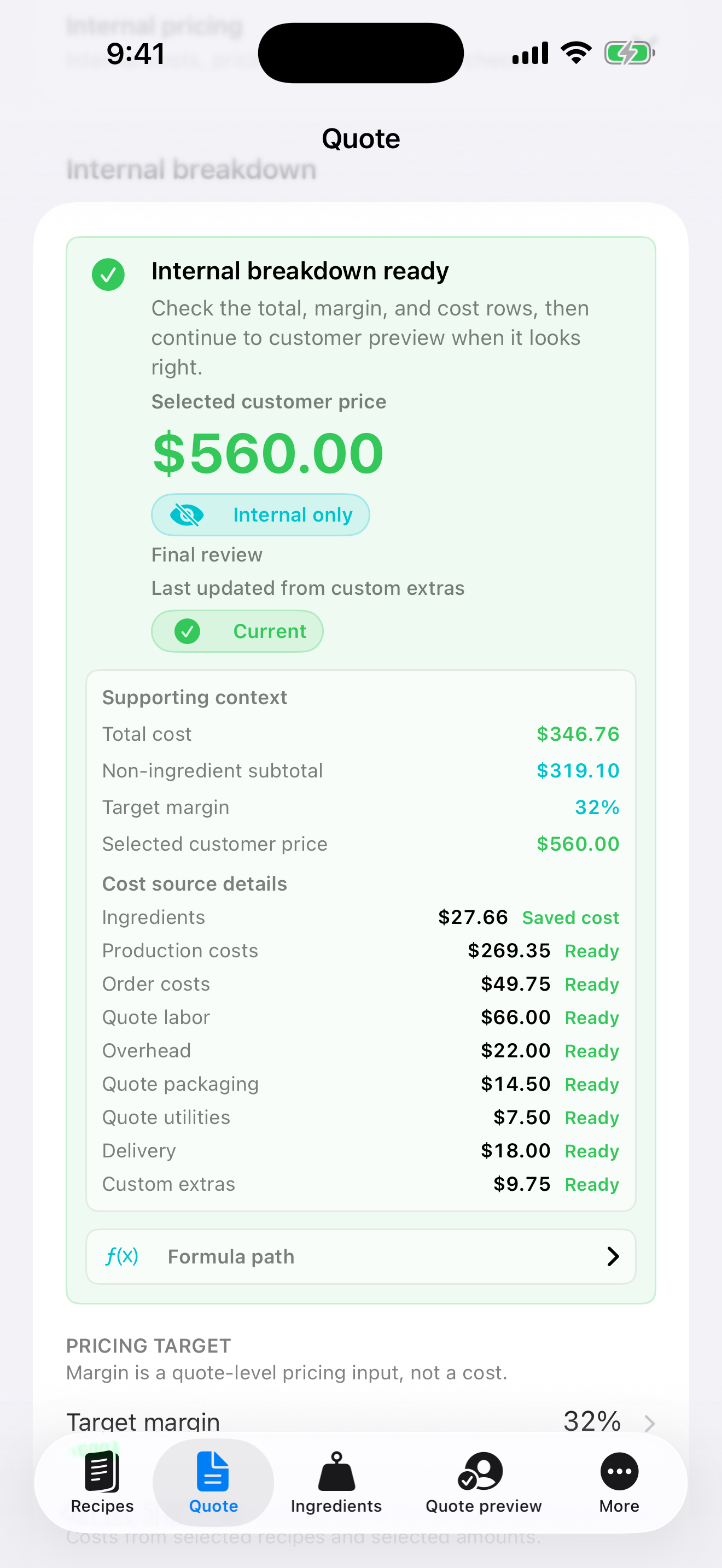
See the entered costs, labor, extras, and margin target together before you decide on the final quote.
 View larger
4
View larger
4
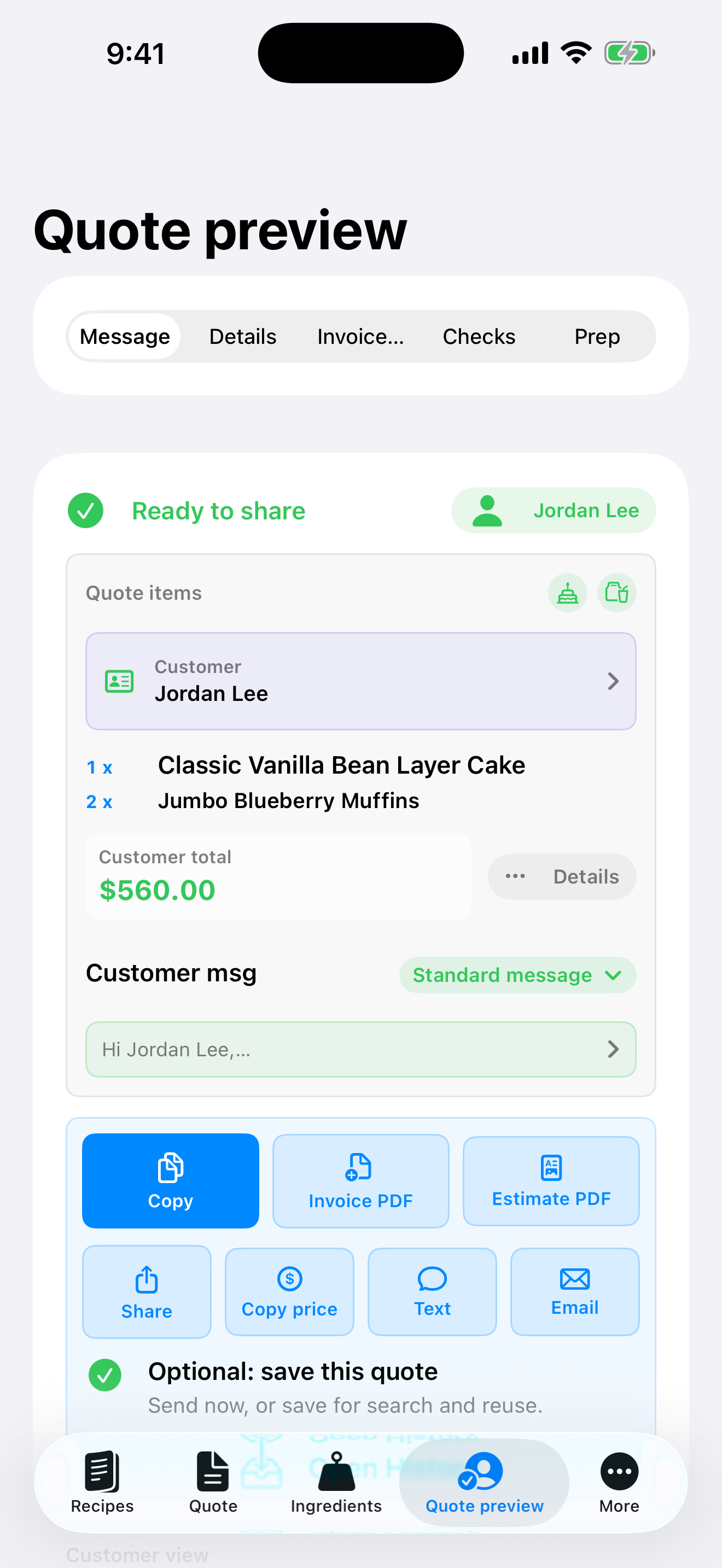
Prepare a customer-friendly price and note without exposing your internal cost breakdown. Keep costs, margins, and formulas private.
Trust before install
Portion Margin keeps local-first pricing details visible so you can review the quote yourself before a customer sees it. Reviewed totals, supporting lists, and document previews stay available before you share.
 View larger
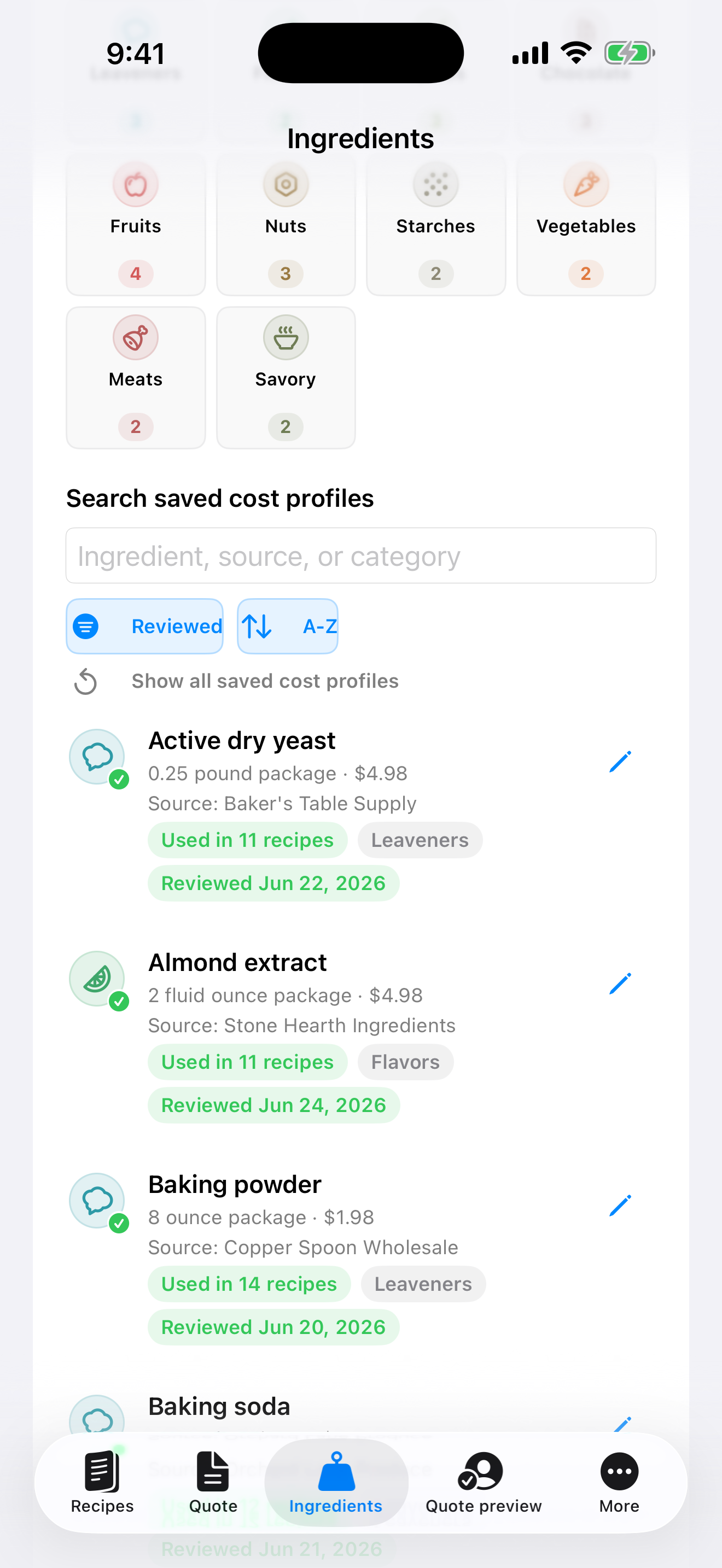
Browse saved cost profiles and filter ingredients when a quote needs a current price.
 View larger
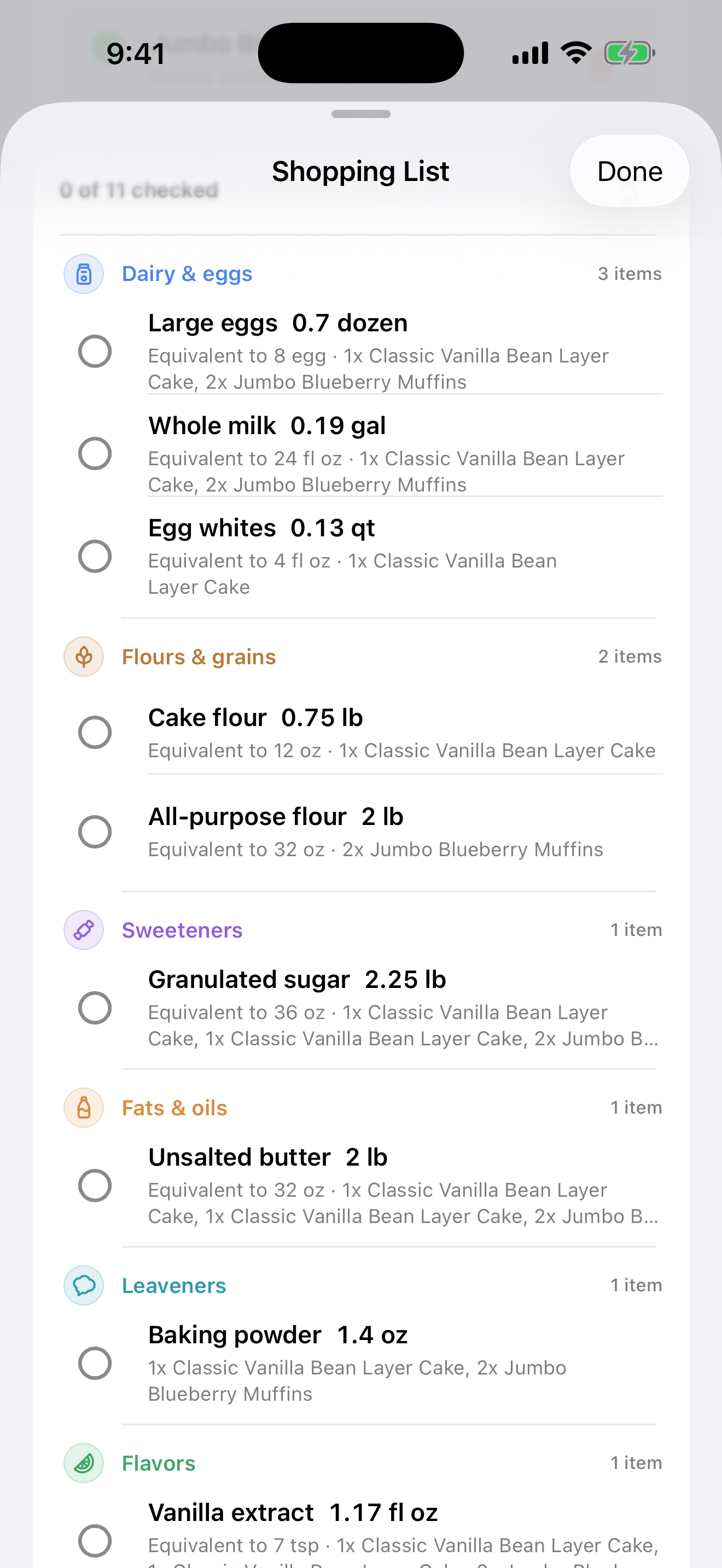
Review quote-derived ingredient needs in a grouped shopping list before buying for the order, then share or save the list when needed.
 View larger
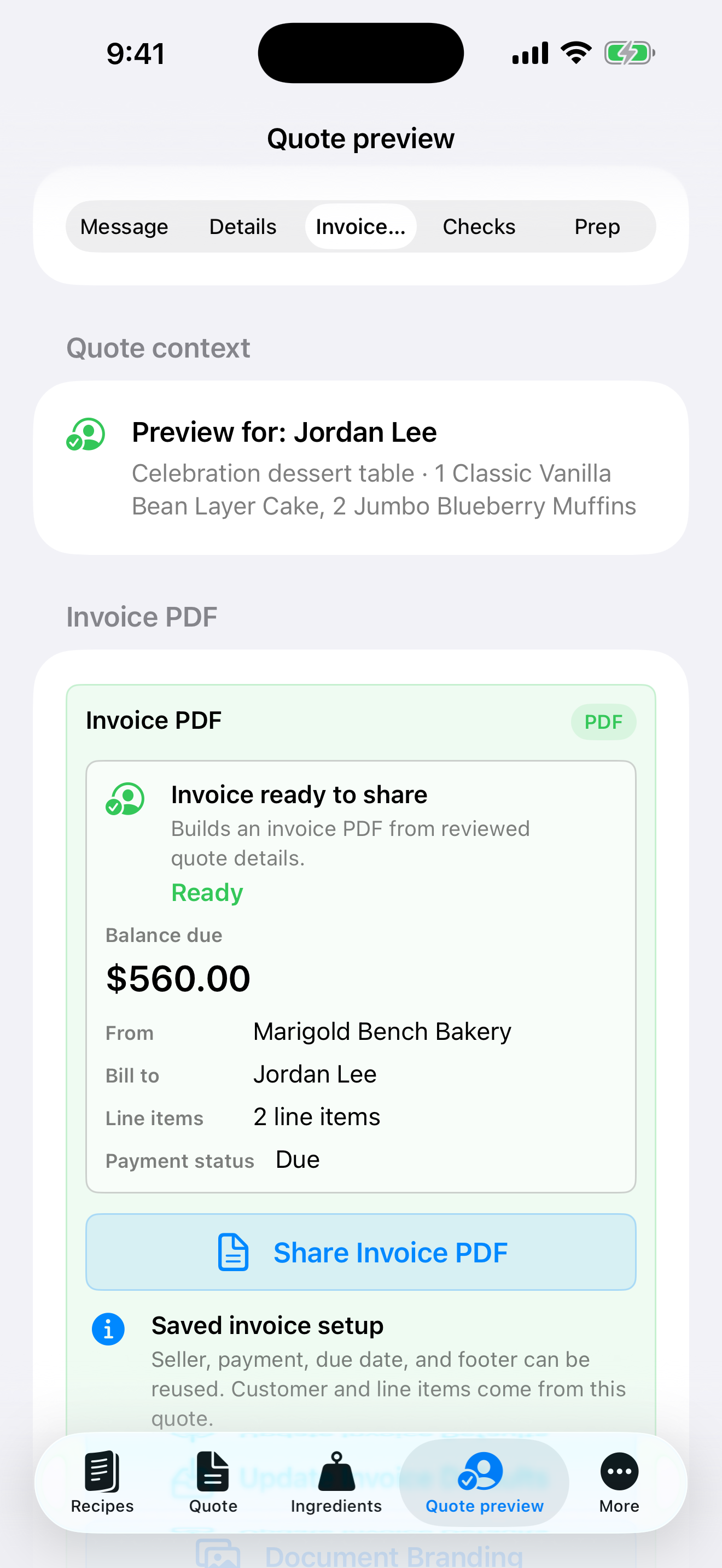
Check customer-safe estimate output and invoice details before creating or sharing a PDF.
 View larger
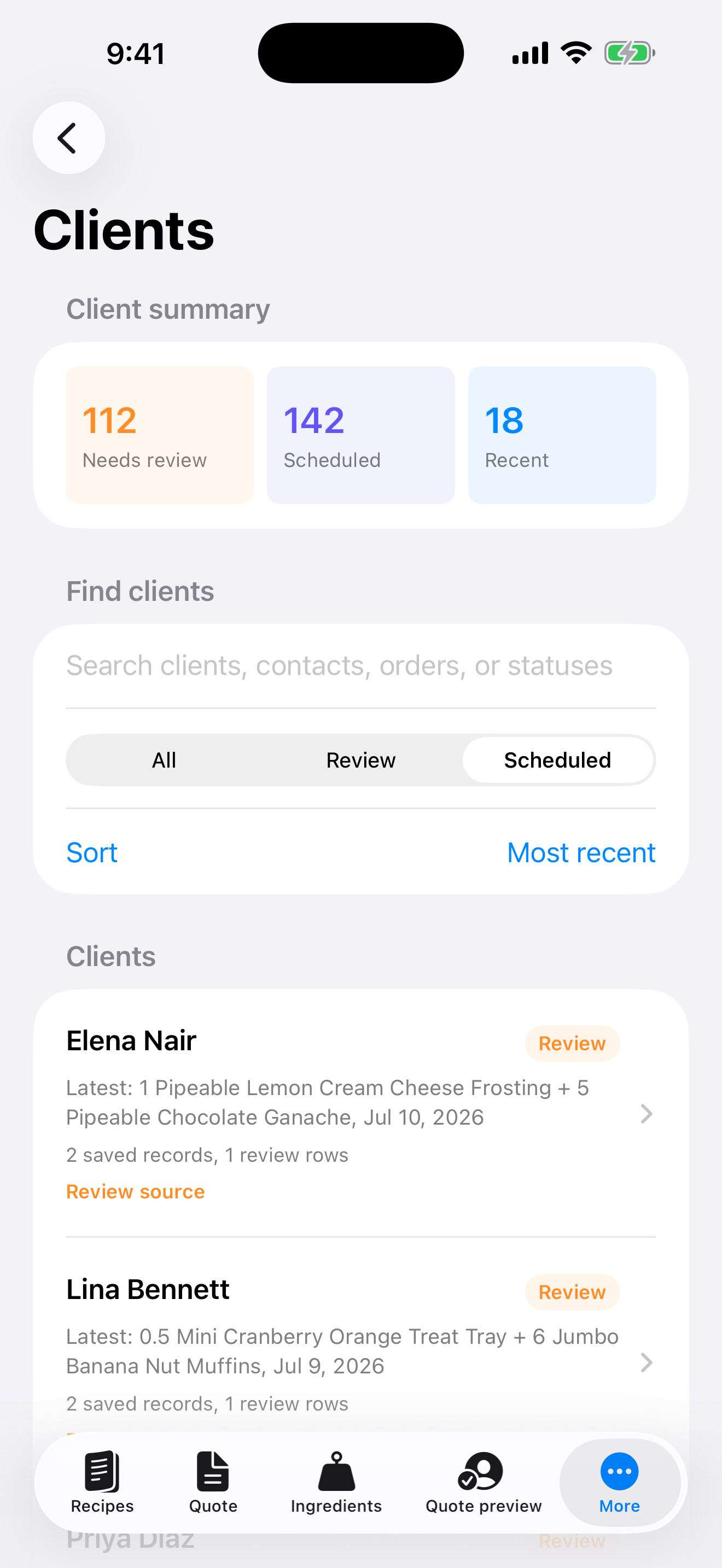
Find clients and review their saved order summaries. Use search and status filters to return to the records you need.
Pricing transparency
Portion Margin brings recipe costs, labor, packaging, delivery, extras, overhead, margin targets, and customer notes into one review flow. You decide whether the quote is ready.
Review the workflow stepsAdd ingredient costs, labor, packaging, delivery, extras, overhead, margin targets, quote validity, and customer notes.
Review the combined costs and margin target in one place before you choose the price.
Keep costs, margin targets, formulas, and working notes in your private review.
Keep the customer message focused on the price, order context, validity, and note you choose to share.
Learn how the workflow fits together, how support works, and how local app data differs from information you choose to email.
App Store
Get the app from Apple, then use the support, privacy, and terms pages here whenever you need product help or policy details.